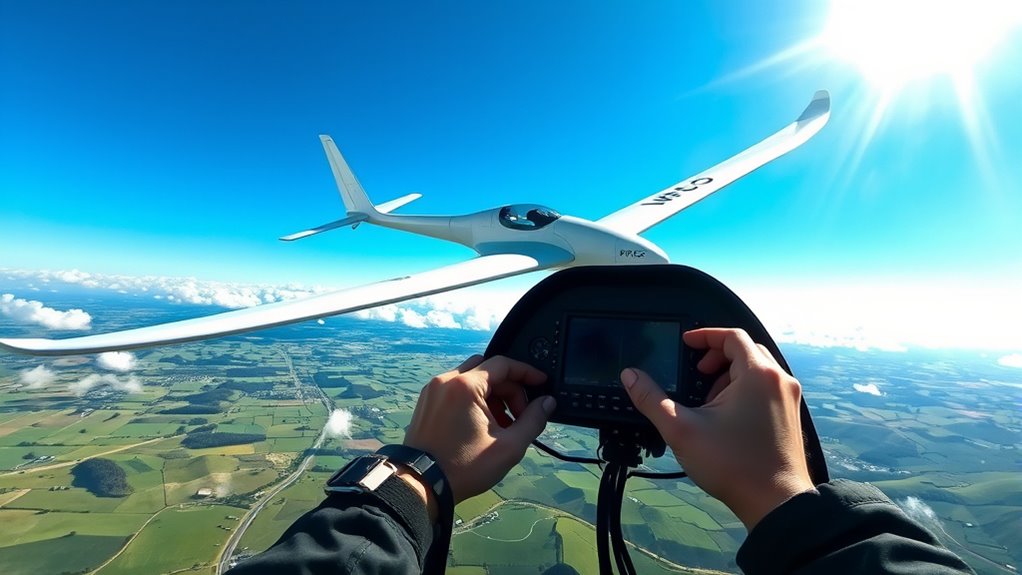

Using GPS and flight computers in glider navigation lets you optimize your route by setting waypoints, capitalizing on thermals, and adjusting altitude dynamically. These tools analyze lift, wind, and terrain to recommend the most efficient path, helping you save energy and fly longer. They also provide real-time updates and safety alerts, making your flight smarter and safer. Keep going, and you’ll discover how to master these systems for even better gliding experiences.
Listen free for 30 days with Audible
Thousands of audiobooks and originals — cancel anytime.
As an affiliate, we earn on qualifying purchases.
Key Takeaways
- Integrate GPS data with flight computers for precise waypoint navigation and route optimization.
- Utilize real-time atmospheric conditions to enhance lift exploitation and adapt routes dynamically.
- Use flight computers to monitor altitude, receive safety alerts, and suggest adjustments for safe flight management.
- Plan efficient routes by analyzing lift sources, wind, and thermals to extend flight duration and conserve energy.
- Improve piloting skills and safety through situational awareness tools that assist with navigation, altitude control, and decision-making.
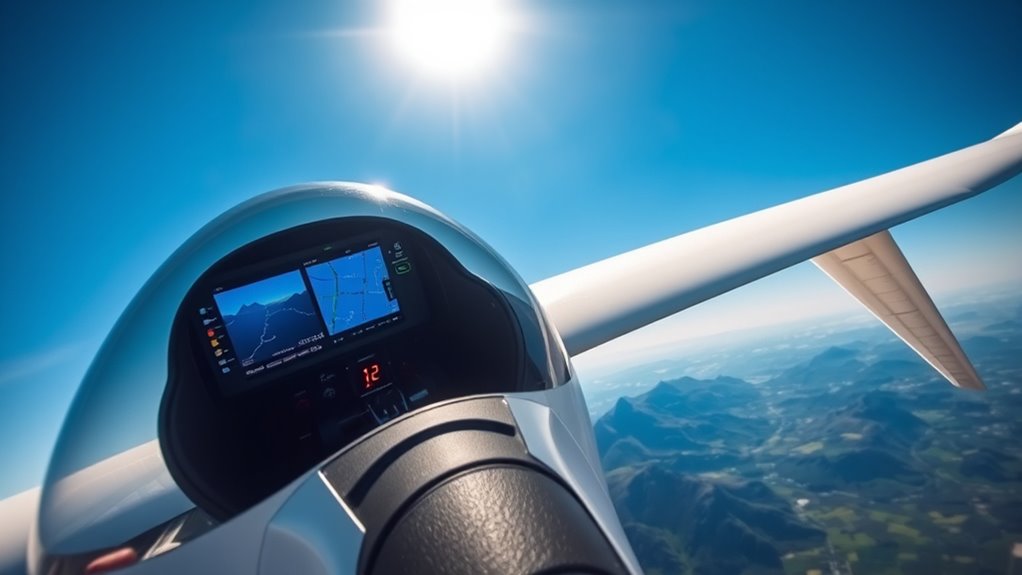
Glider pilots increasingly rely on GPS and flight computers to steer efficiently and safely through challenging conditions. These advanced tools transform how you plan and execute flights, allowing you to make real-time decisions based on precise data. One of the key features these systems offer is waypoint optimization, which helps you identify the most effective route from your starting point to your destination. By inputting waypoints—specific navigation markers—you can create a flight plan that minimizes unnecessary turns and maximizes lift utilization. This streamlining reduces your workload and increases your chances of staying within safe altitude ranges, especially when soaring over complex terrain or during long-distance flights.
Waypoint optimization isn’t just about plotting a straight line on a map. It involves analyzing available lift, wind conditions, and thermals to adjust your route dynamically. With a GPS-enabled flight computer, you receive updates on the best waypoints to approach, ensuring that you capitalize on the strongest lift sources. This adaptive routing allows you to stay aloft longer and conserve energy, which is crucial in gliding where every meter of altitude counts. As you progress, the system guides you toward the next waypoint, reducing guesswork and eliminating unnecessary deviations that could lead to altitude loss or dangerous situations.
Altitude management becomes even more critical when your flight depends heavily on thermal updrafts and wave lift. Modern flight computers monitor your altitude continuously and provide alerts if you’re approaching minimum safe heights or exceeding recommended limits. This real-time feedback enables you to adjust your circling patterns or change course to find better lift, maintaining ideal altitude for safety and efficiency. By integrating GPS data with atmospheric conditions, your flight computer can suggest altitude adjustments to maximize thermal exploitation or to avoid areas of sinking air. Proper altitude management ensures you stay within legal and safety margins, especially when navigating through congested airspace or near terrain obstacles. Additionally, understanding the nutritional value of juices can help pilots stay energized during long flights, maintaining focus for optimal decision-making.
Using GPS and flight computers for waypoint optimization and altitude management doesn’t replace your piloting skills; it enhances them. These tools provide critical situational awareness, allowing you to focus more on observing your environment and handling the glider. They serve as your co-pilot, offering strategic insights that help you make smarter decisions. As you become more familiar with their capabilities, you’ll find that your flights are not only safer but more enjoyable, as you’re able to cover longer distances with greater confidence. Ultimately, integrating these technologies into your flying routine elevates your skills, making each glide more precise, efficient, and rewarding.

Garmin Drive™ 53 GPS Navigator
- Display: Bright 5-inch high-resolution touchscreen
- Driver Alerts: School zones, speed, and curve alerts
- Route Information: Food, fuel, rest areas, cities, milestones
As an affiliate, we earn on qualifying purchases.
As an affiliate, we earn on qualifying purchases.
Frequently Asked Questions
How Accurate Is GPS Navigation in Mountainous Terrain?
GPS navigation in mountainous terrain can be quite accurate, but terrain accuracy may vary due to signal obstructions. You might experience occasional deviations or reduced precision when mountains block satellite signals, especially in deep valleys. To improve reliability, make certain your GPS device has a clear view of the sky and use multiple satellites. Keep in mind that rugged terrain can slightly affect the overall accuracy, so always cross-check with visual cues and altimeters.
Can GPS Systems Function Without Satellite Signals?
GPS systems can’t function without satellite signals, so if you experience GPS signal loss, you’ll need alternative navigation methods. You should plan for backup options like visual navigation, maps, or dead reckoning to stay on course. Always be prepared for signal interruptions, especially in mountainous terrain where signals can be blocked or degraded. Relying solely on GPS isn’t safe; combining it with traditional navigation keeps you better equipped.
What Are the Best Flight Computers for Beginner Glider Pilots?
You’ll love the Garmin G3X Touch for beginner glider pilots, as it’s like having a personal co-pilot guiding your every move. It simplifies glider pilot training and introduces advanced navigation techniques with user-friendly interfaces and reliable GPS integration. This flight computer’s intuitive design makes learning easier, helping you build confidence and master navigation skills faster. It’s the perfect first step into the exciting world of gliding technology.
How Does Weather Affect GPS and Flight Computer Performance?
Weather interference can cause signal degradation in GPS and flight computers, affecting their accuracy and reliability. You might notice temporary disruptions or delayed updates during storms, heavy rain, or thick cloud cover. These conditions can interfere with satellite signals, making navigation less precise. To stay safe, always double-check your instruments and use visual cues when weather conditions are poor, ensuring you’re not solely dependent on electronic navigation systems.
Are There Any Legal Restrictions on GPS Use in Gliding Competitions?
Imagine steering through a maze of rules—legal restrictions on GPS use in gliding competitions are like barriers guiding your path. You must follow specific GPS regulations that limit or specify how and when you can use GPS devices. These restrictions ensure fairness, preventing players from gaining unfair advantages. Always check the latest competition rules, as violations can lead to disqualification, so stay within legal boundaries and fly confidently through the skies.
Conclusion
With GPS and flight computers guiding your glide, you harness technology like a trusted co-pilot, turning complex skies into your playground. As you navigate with precision and confidence, remember—these tools are your wings in the vast blue. They don’t just chart your course; they elevate your soaring experience. So, embrace this synergy of man and machine, and let every flight be a symphony of skill and innovation, soaring toward new horizons with unwavering clarity.
Back to school Picks
back to school
As an affiliate, we earn on qualifying purchases.