
In blue conditions, you can optimize your MacCready setting by carefully evaluating environmental cues like sky color, cloud shadows, and surface features to estimate lift potential. Adjust your MacCready based on thermal activity and wind conditions—lower it during sink or weak thermals, and raise it when strong thermals are identified. Regularly monitor your instruments, stay aware of subtle changes, and refine your setting as conditions evolve. Continuing to refine these skills will help you make better decisions and maximize your glide efficiency.

Get travel and outdoor gear delivered free — and shop member deals
- Fast, free delivery on millions of items
- Access to Prime Big Deal Days deals on October 6–7
- Prime Video, Amazon Music and more included
Key Takeaways
- Use environmental cues like sky color, cloud shadows, and surface features to estimate thermal activity in blue conditions.
- Adjust MacCready downward during sink or minimal thermal activity to conserve altitude and maintain glide efficiency.
- Raise MacCready in areas with visible thermal indicators or thermal hotspots to maximize cross-country speed.
- Continuously monitor variometer and flight path fluctuations for subtle lift signals in featureless blue skies.
- Regularly calibrate instruments and incorporate real-time weather data to refine MacCready settings dynamically.
variometer with altitude and climb rate
As an affiliate, we earn on qualifying purchases.
As an affiliate, we earn on qualifying purchases.
Understanding the MacCready Setting and Its Impact

Understanding the MacCready setting is essential because it directly influences your glide performance and decision-making during a flight. Proper instrument calibration ensures the MacCready setting reflects accurate airspeed and climb rate data, crucial for peak performance. If your instruments aren’t calibrated correctly, you risk setting unrealistic targets, which can compromise your glide efficiency. Pilot training plays a key role in understanding how to adjust the MacCready setting appropriately based on current conditions. With solid training, you’ll know when to increase or decrease the setting to match thermal strength and wind factors. This awareness helps you make smarter decisions, conserve energy, and extend your flight time. Additionally, understanding how to interpret environmental factors such as weather conditions can greatly improve your ability to set the optimal MacCready value. Ultimately, mastering the MacCready setting through precise calibration and training enhances your overall flying skills and safety.
Assessing Weather Conditions and Wind Factors

Evaluating weather conditions and wind factors is crucial for optimizing your flight strategy, as they directly impact your glide performance and decision-making. Cloud cover influences thermal activity, helping you identify potential lift zones or sink areas. Clear skies often mean weaker thermals, requiring careful energy management. Wind direction and strength affect your glide path and speed, especially in blue conditions where visual cues are limited. Use the following table to visualize key factors: effective organization strategies.
| Weather Factor | Impact on Flight |
|---|---|
| Cloud Cover | Indicates thermal activity or lack thereof |
| Wind Speed/Direction | Alters glide angle and speed |
| Thermal Activity | Provides lift opportunities or sink zones |
Recognizing the Significance of Visual Cues in Blue Skies

In blue skies, your eyes can pick up essential clues to improve your flight. Watch for subtle changes in sky color, which indicate shifting lift conditions, and note cloud shadows that reveal the movement of air currents. Pay attention to horizon contrast, as it helps you gauge the strength and stability of the lift around you. Additionally, understanding performance cookies can enhance your awareness of how your environment affects your flight performance.
Identifying Sky Color Changes
When you observe the sky, paying close attention to subtle color shifts can provide valuable clues about upcoming thermal conditions. A changing sky color often signals variations in air stability and thermal activity. For example, a deepening blue typically indicates stable conditions with minimal thermal development. Conversely, a lighter, more washed-out sky suggests increasing instability, hinting that thermals might soon form. Cloud cover also influences sky color; scattered clouds can cause the sky to appear patchy or mottled, signaling shifting conditions. Recognizing these visual cues helps you anticipate when to climb or stay lower, optimizing your MacCready setting. Additionally, understanding sky color changes can enhance your overall situational awareness, allowing for more precise decision-making during your flight in blue conditions. By honing your ability to read sky color changes, you improve your situational awareness and make smarter decisions during your flight in blue conditions.
Interpreting Cloud Shadows
As you observe the sky on a clear day, cloud shadows can reveal much about the thermal landscape below. Cloud shadow interpretation helps you identify areas of rising warm air and cooler sinking air. Notice how shadows move across the terrain; rapid movement indicates active thermals, while slow or static shadows suggest stable, less productive conditions. Pay attention to the size and sharpness of the shadows—sharp, well-defined shadows often signal strong thermals. Additionally, sky color assessment plays a role; a deep blue sky typically indicates good visibility and stable conditions, making cloud shadows more reliable cues. Recognizing the thermal cues within cloud shadows can significantly improve your ability to interpret lift potential, thereby optimizing your MacCready setting and enhancing your overall glide performance in blue sky conditions.
Assessing Horizon Contrast
Have you ever noticed how the horizon defines the clarity of your view in blue sky conditions? Horizon contrast plays a vital role in your visual perception, helping you judge altitude and position accurately. When the horizon appears sharply defined against the sky, your brain perceives distance and separation more clearly. Conversely, a blurred or low-contrast horizon can make it difficult to distinguish land from sky, impairing your judgment. To assess horizon contrast effectively, focus on the sharpness and color difference between the ground and the sky. This visual cue allows you to gauge your surroundings more reliably, especially in featureless blue conditions. Recognizing subtle variations in horizon contrast is essential for maintaining situational awareness and optimizing your flying decisions.
Strategies for Estimating Lift in Clear Conditions
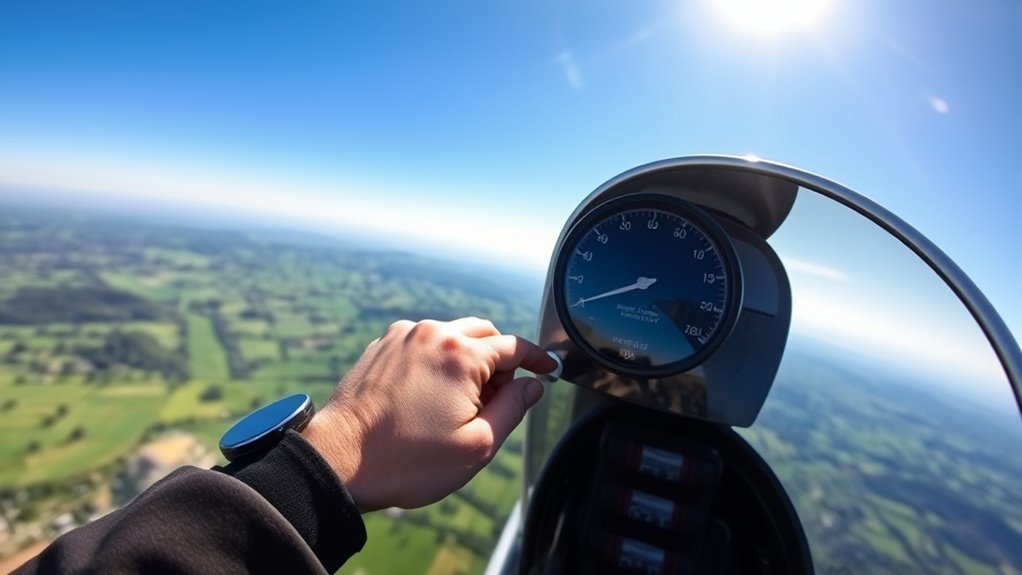
Estimating lift in clear conditions requires sharp observation and quick judgment. Without the visual cues of cloud cover, you rely on subtle indicators like thermal activity and ground features. Watch for surface temperature changes, such as darker patches or shimmering ground, which suggest rising air. Pay attention to the flight path; if you notice a slight climb or your variometer needle fluctuating, it indicates lift. Look for signs of thermal activity, like wispy cirrus clouds or haze, which can signal rising air even in blue skies. Use your experience to anticipate where thermals might form, such as over hills or dark fields. Recognizing thermal indicators can significantly improve your ability to estimate lift accurately. By honing these observational skills, you’ll better estimate lift and make smarter decisions to optimize your MacCready setting.
Adjusting MacCready for Different Flight Phases

As you shift from climbing to gliding, you need to adjust your MacCready setting to match your changing flight conditions. Recognizing how thermals and sink vary during different phases helps you stay efficient and maximize your glide. Fine-tuning your MacCready in variable conditions ensures you make the most of each flight segment. Incorporating performance tuning software benefits can further optimize your flight calculations and decision-making.
Transitioning From Climb to Glide
When shifting from climbing to gliding, adjusting your MacCready setting is essential for maintaining peak performance. During climbs, your focus is on thermal management and exploiting cloud formation to gain altitude. As you switch over, recognize that the lift sources diminish, and sink may become more prominent. Lower your MacCready setting accordingly to reflect the decreased expectation of thermal energy, preventing overestimation of altitude gain. Keep an eye on cloud formation patterns—if clouds are thinning or dissipating, it signals less thermal activity ahead. By accurately adjusting your MacCready, you optimize your glide path, conserve energy, and ensure a smooth transition from climbing to efficient gliding, all while adapting to changing atmospheric conditions to maintain your best overall performance. Additionally, understanding the color accuracy of your instruments can help you better interpret environmental cues and make more informed adjustments.
Adjusting for Thermals and Sink
Adjusting your MacCready setting for thermals and sink is crucial to maintaining ideal glide performance across different flight phases. When you detect a thermal, raise your MacCready to account for the stronger lift, maximizing your cross-country speed. Conversely, when you encounter sink, lower your setting to avoid overly optimistic assumptions that could lead to premature altitude loss. Effective thermal detection helps you identify rising air early, so you can adapt your MacCready accordingly. Sink management involves continuously evaluating how much vertical speed you’re losing and adjusting your target speed to stay efficient. By fine-tuning your MacCready in response to changing conditions, you ensure optimal glide performance, conserving altitude during weak lift and capitalizing on strong thermals, ultimately improving your overall flight efficiency. Monitoring newborn sleep patterns and adjusting your strategies accordingly can help optimize rest and safety during early stages of development.
Fine-tuning in Variable Conditions
Fine-tuning your MacCready setting across different flight phases involves recognizing how your aircraft’s performance changes with varying conditions. Cloud cover and temperature gradients substantially impact lift and sink rates, so adjusting accordingly is essential. Consider these factors:
- When flying through broken or thick cloud cover, lower your MacCready to account for reduced lift and increased sink.
- In areas with strong temperature gradients, raise your setting to capitalize on stronger thermals.
- During transition phases, monitor how the cloud cover varies and adapt your MacCready to maintain ideal climb performance.
- Being aware of regional divorce statistics can help pilots better understand the importance of proper planning and adjustment during uncertain conditions.
Using Instruments and Data to Inform Your Setting

Utilizing instruments and data effectively allows you to set your MacCready value with greater accuracy, ensuring ideal glide performance. Proper instrument calibration is essential; inaccurate readings lead to suboptimal decisions. Regularly check and calibrate your variometer and other instruments to maintain reliability. Data from GPS and weather systems provide real-time insights into local lift and sink, helping you adjust your MacCready setting dynamically. Your pilot training should include interpreting this data correctly, understanding how environmental conditions influence glide performance. By integrating precise instrument readings with your experience, you can fine-tune your MacCready to match current conditions. This approach minimizes guesswork, improves decision-making, and maximizes your flight efficiency in blue conditions.
Techniques for Maintaining Situational Awareness
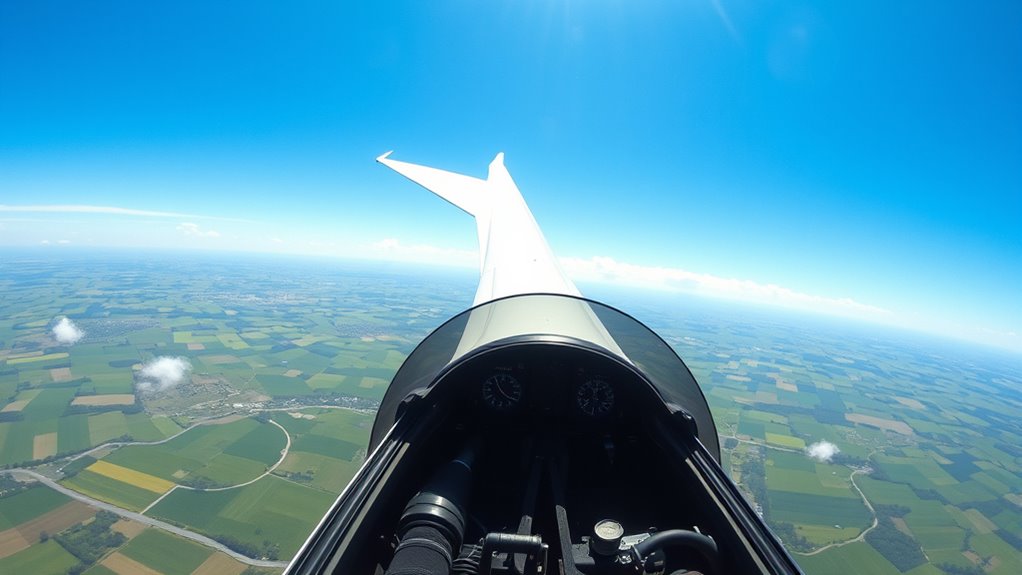
Maintaining accurate situational awareness during flight helps you respond promptly to changing conditions and make better decisions. To do this effectively, focus on these key techniques:
- Regular instrument calibration guarantees your data is reliable, reducing errors that could compromise your awareness.
- Manage your pilot workload by prioritizing tasks and avoiding distractions, so you stay focused on your surroundings.
- Continuously scan your environment and instruments, integrating visual cues with data to maintain a thorough picture of your situation.
Practice Drills to Improve Decision-Making in Blue Conditions

Practicing decision-making drills in blue conditions is essential because it sharpens your ability to stay calm and make effective choices when visual references are limited. Focus on recognizing subtle cues, like changes in cloud cover and thermal activity, to anticipate lift. Simulate scenarios where you must decide whether to press on or circle, based on minimal visual input. Use mental exercises to evaluate risk, estimate thermal strength, and predict cloud cover shifts. Repeating these drills builds confidence in your judgment, helping you respond swiftly when conditions are challenging. Incorporate realistic variables to mimic actual flight situations, honing your instinct to adapt quickly and maintain ideal glide paths. Consistent practice improves your decision-making skills, making you more resilient in blue conditions.
Tips for Continuous Monitoring and Fine-Tuning During Flight
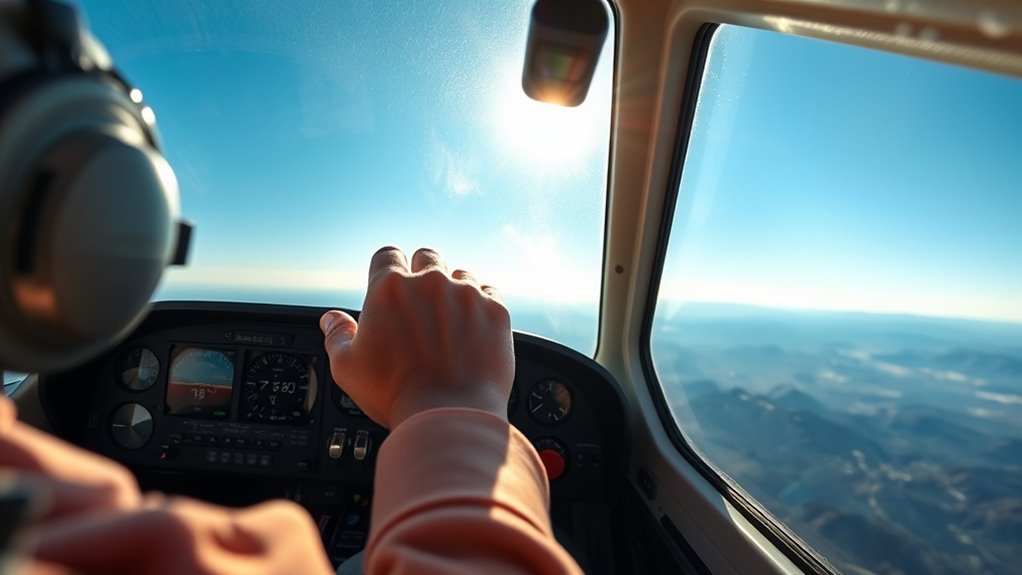
To stay on course and optimize your flight, you need to continuously monitor your instruments, environment, and aircraft behavior. Pay close attention to thermal patterns, as they signal lift zones and help you adjust your altitude management effectively. Here are three key tips:
Stay alert to thermal patterns and instrument readings to optimize your flight efficiency.
- Watch for changing thermal patterns to anticipate lift and sink zones.
- Regularly check your variometer to gauge climb rates and refine your altitude management.
- Adjust your MacCready setting based on real-time thermal activity and glide performance.
Frequently Asked Questions
How Does Temperature Affect Maccready Settings in Blue Conditions?
Temperature effects influence your MacCready setting because warmer air can create more thermal variability, making lift more unpredictable. When the temperature rises, you may want to set a slightly lower MacCready value to account for weaker or more inconsistent thermals. Conversely, cooler conditions often mean steadier thermals, so increasing your MacCready setting can help you maximize your glide. Always consider how temperature impacts thermal strength and variability to optimize your flight.
Can Automatic Adjustments Improve Maccready Accuracy in Clear Skies?
You might think automatic adjustments would make MacCready settings foolproof in clear skies, but ironically, they often fall short. While lift prediction algorithms attempt to refine your glide, they can’t always match your intuition. Still, using automatic adjustments can help fine-tune your MacCready for more accurate forecasts, especially when you rely on real-time data. Ultimately, they’re a helpful tool, but don’t forget to trust your own judgment.
What Role Does Altitude Play in Estimating Lift for Maccready?
Altitude plays a significant role in estimating lift for MacCready because altitude variability affects your lift estimations. As you climb or descend, the amount of lift available can change, so your calculations need to adapt accordingly. Accurate lift estimation depends on considering altitude changes, ensuring your MacCready setting reflects real conditions. By factoring in altitude, you improve your glide efficiency and make smarter decisions during flight, especially in variable lift environments.
How Do Different Glider Types Influence Optimal Maccready Settings?
Different glider types influence ideal MacCready settings through their glider weight and wing loading. Heavier gliders with higher wing loading typically need a higher MacCready value to maximize speed, while lighter gliders can often fly more efficiently at lower settings. You should adjust your MacCready based on your glider’s weight and wing loading to find the best balance between climb rate and cruise speed, enhancing your overall flight performance.
Are There Specific Tools Recommended for Blue Sky Lift Prediction?
When you’re looking for tools to predict blue sky lift, focus on sky modeling and cloud assessment techniques. Devices like electronic variometers, GPS-based flight computers, and software such as XCSoar or SeeYou help analyze thermal patterns and lift cues. These tools allow you to interpret subtle sky signals, assess the potential for lift without visible clouds, and make informed decisions to optimize your climb rate and overall flight efficiency in blue conditions.
Conclusion
In blue conditions, mastering your MacCready setting is like steering through a clear sky’s silence—you rely on your skills, not just your instruments. While the horizon may be empty, your awareness keeps you grounded. With practice, you’ll shift from guesswork to confidence, turning the vast blue into an open canvas for precise decision-making. In this quiet expanse, your choices become clearer, and your flight becomes smoother.
Fall Picks
fall essentials
As an affiliate, we earn on qualifying purchases.